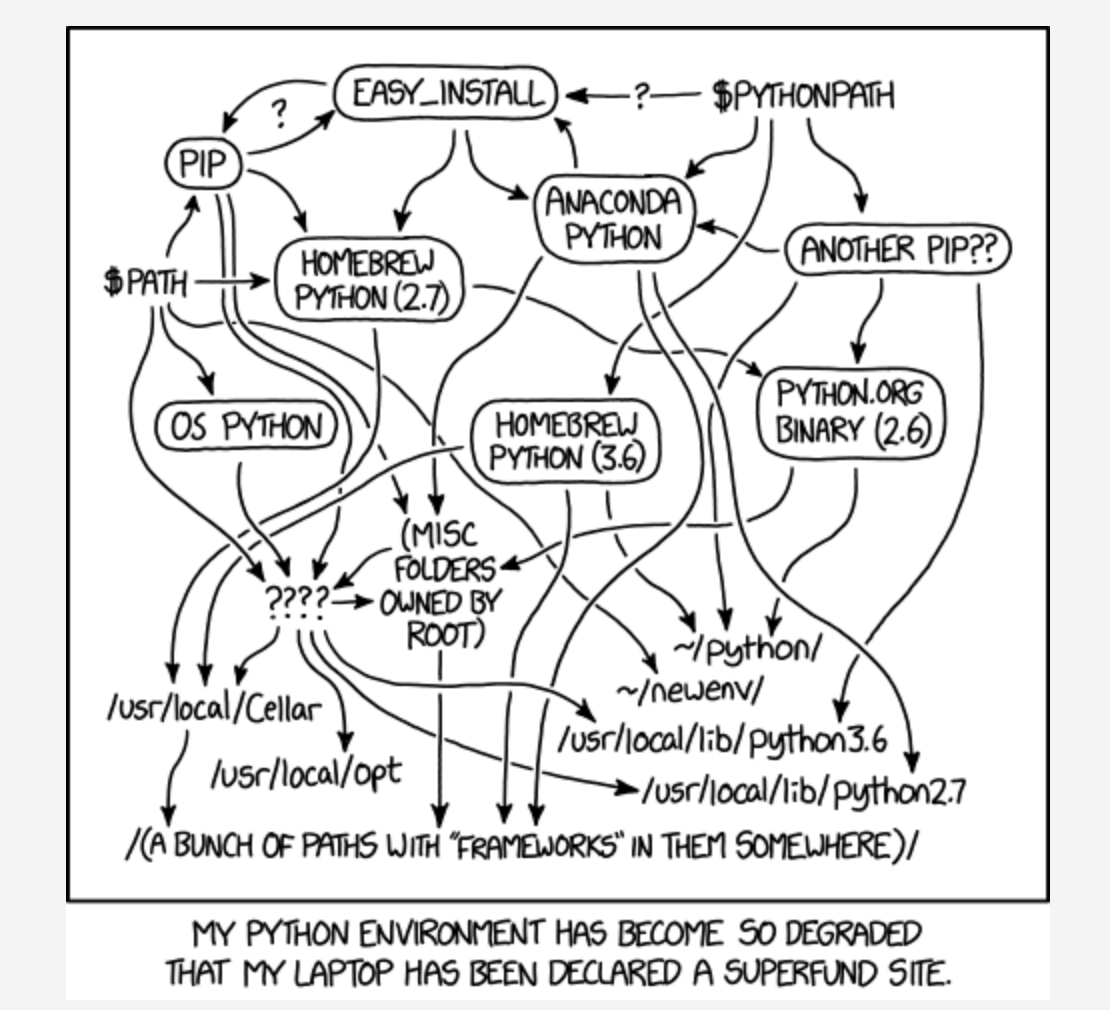
#jk, just use pyenv
brew install pyenvpyenv install 3.7.3pyenv global 3.7.3echo -e 'if command -v pyenv 1>/dev/null 2>&1; then\n eval "$(pyenv init -)"\nfi' >> ~/.zshrcexec $0which python && which pipand verify the output : )
#just use virutalenv
plz just use it like so:
virtualenv --python /usr/bin/python2.7 --system-site-packages env
#on new computer
- from
sourabh bajaj
brew install pythonbrew install python@2pip install --upgrade setuptoolspip install --upgrade pip-
"Executable scripts from Python packages you install will be put in
/usr/local/share/python, make sure it's on your PATH." -
from .zshrc via oh-my-zsh:
Python modules have been installed and Homebrew's site-packages is not in your Python sys.path, so you will not be able to import the modules this formula installed. If you plan to develop with these modules, please run:
mkdir -p $HOME/Library/Python/2.7/lib/python/site-packagesecho 'import site; site.addsitedir("/usr/local/lib/python2.7/site-packages")' > $HOME/Library/Python/2.7/lib/python/site-packages/homebrew.pthafter that do something like this ~ (all of these work with pip3 & python3 as well, if one doesn't work try the other)
test it out w/ this cute bs4 nugget
# my_parser.py!#/usr/bin/env pythonfrom bs4 import BeautifulSoupmessy = """<html><p> <em>ay </em></p></html>etc."""BeautifulSoup.prettify()pip install bs4pip install beautifulsouppython parser.pyexplanation:
site.addsitedir(sitedir, known_paths=None)Add a directory to sys.path and process its .pth files. Typically used in sitecustomize or usercustomize (see above).
sys.pathA list of strings that specifies the search path for modules. Initialized from the environment variable PYTHONPATH, plus an installation-dependent default.
Module site
This describes how to use .pth files to extend sys.path.
#also: #TODO
SWIM could make a fortune making a product for python that works exactly like nvm... pvm... I'm sure it already exists, but I refuse to look it up. $_$